


How to Factory Reset Your Ring Doorbell — and What to Do Before You Start
A factory reset returns a Ring doorbell or Ring alarm device to its original out-of-box settings, erasing all configuration data. Whether your device has gone offline, is being sold, or simply needs a fresh start, the reset process takes under two minutes once you know the correct steps for your model.
This guide covers the soft reset and hard reset options for Ring doorbells, Ring alarm devices, Ring cameras, and Ring motion detectors — and the pre-reset checklist that prevents reconnection headaches.
Key Takeaways
- A factory reset Ring doorbell erases all device configuration — it does not delete your Ring app account or subscription.
- Soft reset: unplug or remove the battery for 15 seconds. Hard reset: hold the setup button for 15–30 seconds until the light flashes.
- Note your Wi-Fi network name and password before resetting — you will need them to reconnect.
- Recorded footage stored in the Ring cloud is not affected by a device reset.
- Reset steps vary by model: Battery Doorbell, Wired Doorbell, Ring Alarm, and Ring motion detectors each use a distinct process.
What Should You Do Before Resetting
Before you press and hold the setup button, complete this short checklist. A factory reset severs the device from your Ring app — reconnection requires re-entering your network credentials from scratch.
- Note your Wi-Fi network name (SSID) and password. You will need both during setup after the reset.
- Remove the device from the Ring app. In the Ring app, navigate to Device Settings and remove the doorbell from your account before resetting. This prevents ghost devices appearing in the app.
- Back up any locally stored footage if your device uses a local storage option — cloud footage is retained on Ring's servers regardless.
- Check the battery level. A battery doorbell with less than 20% charge may not complete the full reset sequence.


Soft Reset vs Hard Reset
A soft reset reboots the device without erasing settings. For a battery-powered doorbell, remove the battery and reinsert it after 15 seconds. For a wired doorbell, cut power at the breaker for 15 seconds. Use a soft reset when the device is frozen or unresponsive but still connected to your account.
A factory reset (hard reset) wipes all settings. On most Ring devices, press and hold the orange setup button on the back or side of the device for 15–30 seconds. The front light will flash red several times, then flash white in a spinning pattern to confirm the reset is complete. Release the button once the pattern begins.
Resetting Your Ring Video Doorbell
The setup button location varies by model. On the Ring Video Doorbell (1st generation), the setup button is on the back of the device. On the Ring Video Doorbell 2, 3, and 4, it sits on the right side. On the Ring Video Doorbell Pro and Pro 2, it is on the right edge.
Press and hold the setup button for 15–20 seconds. The LED ring on the front will flash — wait for the full spinning white pattern before releasing. The device will reboot and enter setup mode, ready to be added to the Ring app as a new device.
For Ring alarm devices and Ring motion detectors, the process is similar: locate the small pinhole reset button or the setup button on the device unit, hold for 10–15 seconds, and wait for the LED indicator to confirm. Each device type has its own indicator pattern, detailed in the Ring app under Device Health.
Does Resetting Remove All Footage
No. A factory reset affects the device only — not your Ring app account, subscription plan, or footage stored in the Ring cloud. Recordings made before the reset remain accessible in the Ring app's event history, subject to your plan's retention period.
If you are transferring the device to a new owner, remove it from your Ring account in the app before resetting. The new owner will add it as a new device using their own account credentials after the reset is complete.
How to Reboot Your Ring Doorbell
A reboot (soft restart) does not require the setup button. Remove the battery for 15 seconds and reinsert it, or cycle the power at the breaker. The device reconnects to your Wi-Fi and the Ring app automatically within 60–90 seconds.
If your Ring doorbell is offline and a reboot does not restore the connection, check the Ring app's Device Health section for signal strength and power readings before attempting a full factory reset.
Satéur Gems: Diamond Look Without the Cost
Some resets are mechanical. Others are personal. A ring chosen for yourself — marking a turning point, a new chapter, a decision made on your own terms — carries a different weight than a device reboot.
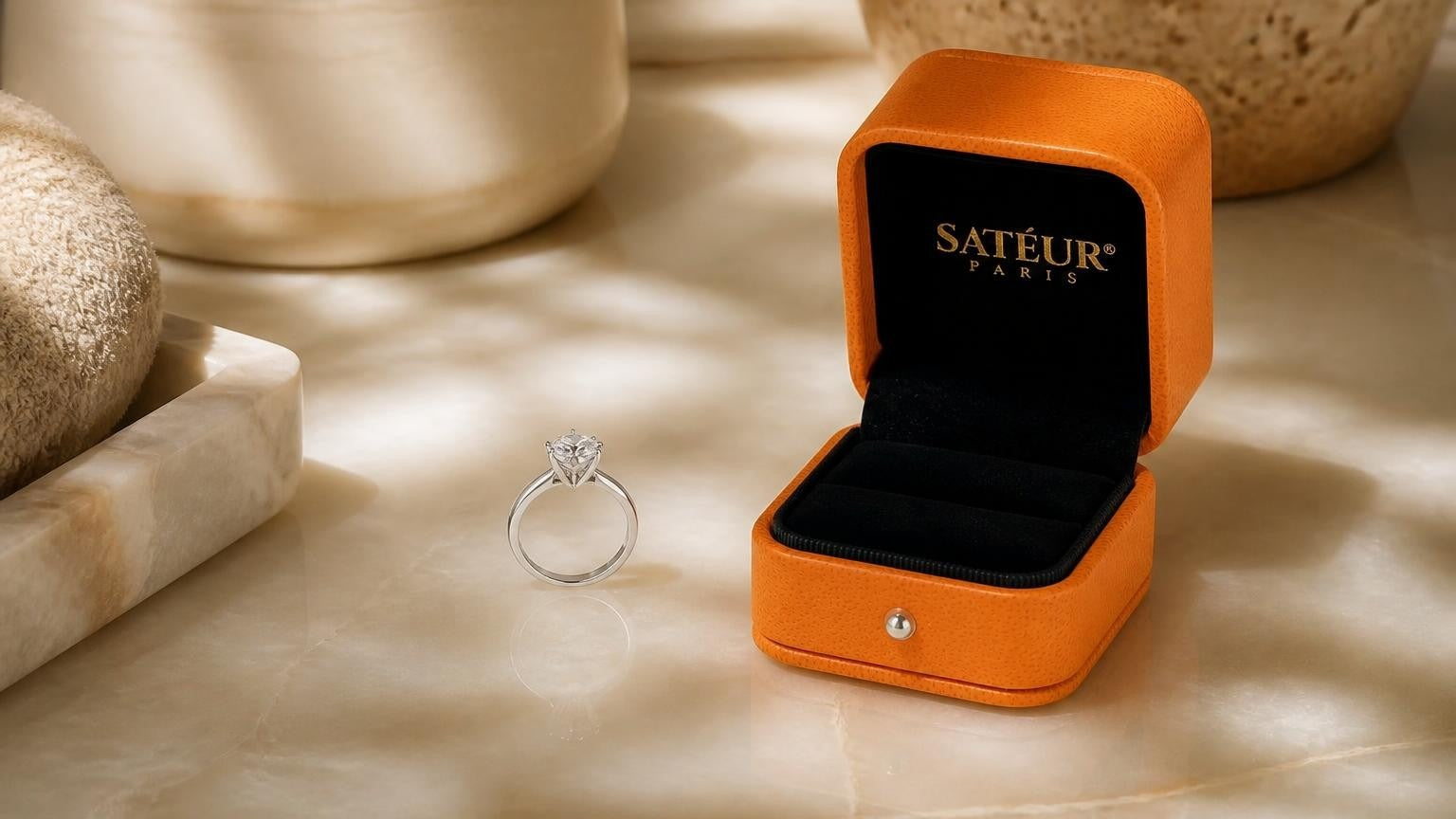
The Satéur Destinée Ring was built for exactly that moment. A 1-carat round-cut Satéur Gems® in an 18k white gold finish, priced at roughly 1% of an equivalent mined diamond. The look is the same: D-E colour, Excellent cut, the clean white brilliance of a flawless diamond — not the rainbow fire of moissanite, but the restrained, diamond-accurate sparkle that reads as the real thing across the table and to the naked eye.
It is the ring you choose because you can. Not because someone gave it to you.
For guidance on choosing the right setting and style, see the complete guide to ring presentation and packaging, or explore which finger suits a self-purchase ring.

Satéur Destinée Ring™
The look of a flawless diamond, for 1% of the price.
Compare to a $10,000 mined diamond
Joined by 100,000+ couples across 150+ countries.
Discover The 1% RingFree worldwide shipping · 30-day returns · Lifetime Satéur Care

Frequently Asked Questions
What is the difference between a soft reset and a hard reset on a Ring doorbell?
A soft reset reboots the device — it clears a frozen state but keeps all your settings, Wi-Fi connection, and account pairing intact. A hard (factory) reset erases all device settings and removes it from your Ring app account, returning it to factory conditions. Use a soft reset for connectivity issues; use a factory reset when transferring ownership or when the device is persistently unresponsive.
Do I need to reconfigure my Ring doorbell after a factory reset?
Yes. After a factory reset, the doorbell enters setup mode and must be added to the Ring app as a new device. You will need your Wi-Fi network name and password, and you will need to re-enter all motion settings, notification preferences, and any chime configurations.
Will factory resetting my Ring doorbell delete my recorded videos?
No. A factory reset affects only the device configuration — not the footage stored in the Ring cloud. Your recordings remain accessible in the Ring app's event history under your account, subject to your subscription plan's retention period.
How long does it take for a Ring doorbell to reconnect after a factory reset?
Setup takes 5–10 minutes. After pressing and holding the setup button for 15–30 seconds to confirm the reset, open the Ring app, select "Set Up a Device," and follow the in-app instructions to connect the doorbell to your Wi-Fi network. The device will be operational within a few minutes of completing the setup steps.
Which reset method should I use if my Ring doorbell is offline or unresponsive?
Start with a soft reset: remove the battery for 15 seconds (or cut power at the breaker), then restore power and allow 60–90 seconds for reconnection. If the device remains offline after a soft reset and the Ring app shows poor signal or a power issue under Device Health, proceed with a factory reset using the setup button. Check for Wi-Fi signal strength at the installation location before assuming the device is faulty.
Can I reset my Ring doorbell without access to the physical device?
No. The factory reset process requires physical access to press and hold the setup button on the device itself. If you cannot reach the device — for example if it is installed at height — a soft reset via the Ring app's Device Settings may clear temporary issues. A full factory reset cannot be triggered remotely through the Ring app.


















댓글을 남기세요
이 사이트는 hCaptcha에 의해 보호되며, hCaptcha의 개인 정보 보호 정책 과 서비스 약관 이 적용됩니다.